Industrial AI, Governed and Built-In
The platform is the control plane. AI is the accelerator.
AI capability is table stakes in 2026. Governed access to your operations is the difference.
01
Sign in to FlowFuse
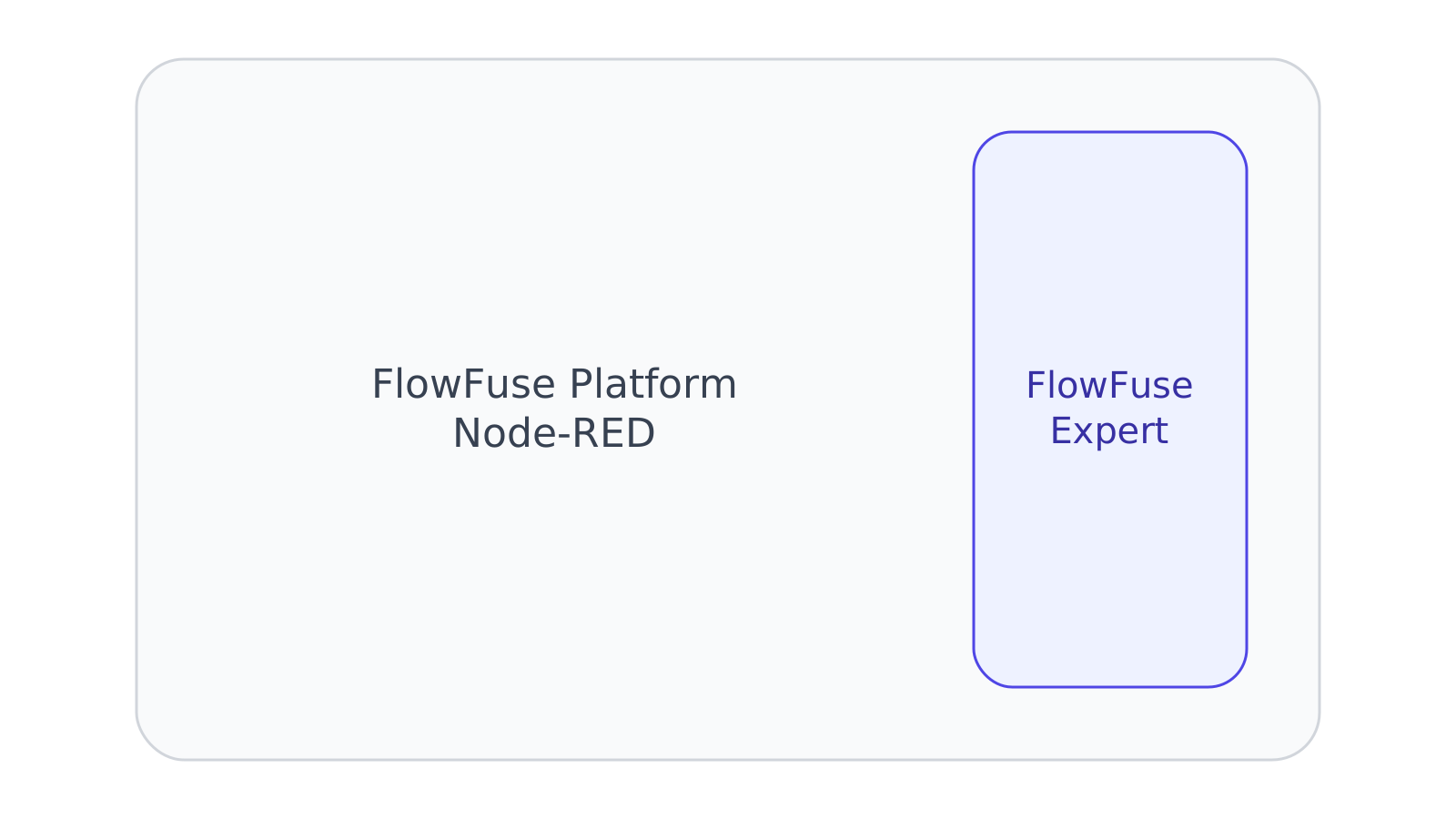
A new account puts you in a hosted instance with Expert already in the editor. Nothing to add, no connector, no token.
02
Or start with the Device Agent
Already running Node-RED on your own hardware? Connect it as a remote instance and Expert works there in the same way.
03
Ask for what you need
Build a flow, explain one you inherited, write the Function node, or ask what is running on the floor. Every write waits for you to approve, edit or reject.
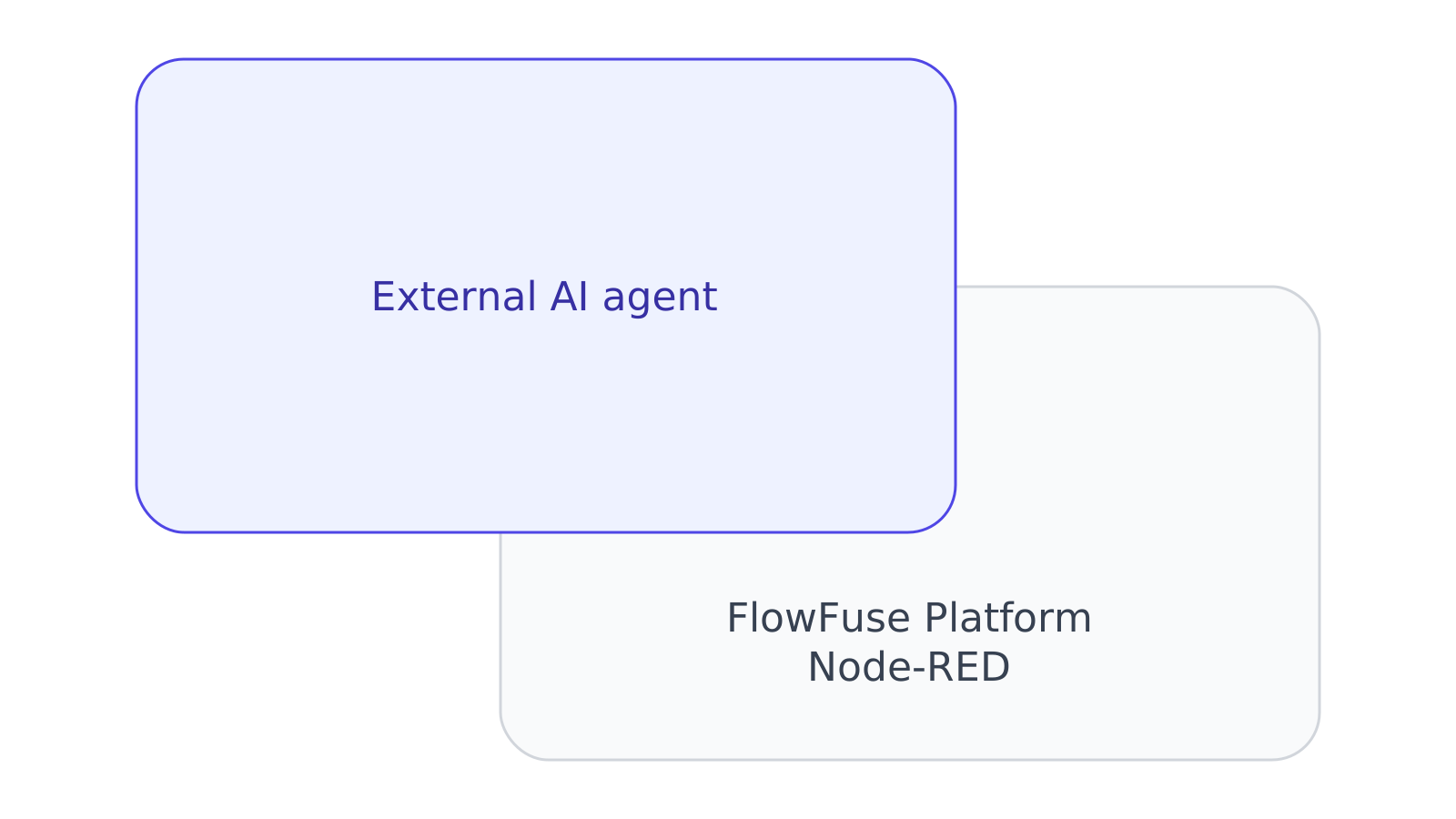
Command-line and editor agents such as Claude Code, Cursor, Visual Studio Code and Gemini CLI connect to the same URL. See the documentation.
AI Governance you can prove
The control plane every AI action runs through, the same one that governs your teams.
Only the teams you grant
AI reaches the teams you allow and nothing else, enforced by the platform on every call.
Role-based access
The same RBAC that governs your teams governs what AI can see and do.
Nothing gets deleted
No agent can remove an instance, an application, a snapshot or a team. There is no tool for it.
Audit on everything
Every action AI takes is logged and attributed, so you can show exactly what happened and when.
Every way AI shows up in your operations
From accelerating how you build, to acting inside live flows, to connecting the AI your company already trusts. Each one runs on the same governed platform.
01 Build
Accelerate engineering
FlowFuse Expert turns intent into working industrial applications, right in the editor.
Generate and edit Node-RED flows, Function node JavaScript, SQL queries and dashboard UI from plain language, and ask Expert to explain any existing flow so any engineer can pick it up. It works inline in the editor your team already uses, so there is no separate tool to context-switch into. That turns unfamiliar or inherited flows into something the whole team can read and maintain.
Describe the application you need and FlowFuse Expert agentically builds the starting flows and logic directly in your workspace. You begin from a working draft instead of a blank canvas, then refine it like any other flow. Everything it creates stays inside the platform, so the same permissions and review apply from the first node.
Start from an agent blueprint, like the LLM chat agent or RAG chat agent, to stand up a task-specific AI agent grounded in your own data, tools and context. It gives you a proven structure to adapt rather than wiring an agent up from scratch. With MCP servers you can give the agent access to anything, including your RAG applications. Because it runs on the platform, the agent operates within the access you grant it.
A chat assistant with answers grounded in FlowFuse and Node-RED documentation, so guidance comes from the product, not stale wikis. Ask how a node works or how to approach a build and get an answer without leaving your workspace. It shortens the path from question to working flow for new and experienced users alike.
02 Operate
Operate with AI, safely
AI that acts inside your flows and answers questions about live operations, always behind your controls.
Platform Automations let AI act on live systems, with every write behind an approval card, session-scoped and fully audited. A person approves, edits or rejects each proposed change before it reaches a machine. Nothing runs outside the permissions and RBAC that already govern your teams.
For external agents, approval cards do not apply. The access you granted is the control, enforced on every call.
In Insights mode, ask questions in natural language and get answers grounded in live machine state, alarms and logs. Operators and engineers can check what is happening on the floor without building a report or querying a database by hand. Table and MQTT-broker reading are coming soon.
For external agents, whether they can reach the MCP servers you build in your own flows depends on the agent.
Run ONNX vision models inside flows next to the machine, with camera ingest over RTSP, for inference that works offline and keeps data on your network. Detection results flow into the same logic as any other signal, so you can trigger alerts or actions from what the model sees. Running at the edge means no round trip to the cloud and no image data leaving the plant.
Certified LLM nodes bring OpenAI, Anthropic, Gemini or local models via Ollama into any flow with your own keys. Choose the provider that fits each task, or keep everything on local models when data cannot leave your network. Because you supply the keys, model access and spend stay under your control.
03 Connect in
Connect your own agent
The agent your company already approved, working your platform and building in Node-RED. Your agent, your model, on a boundary you set.
Point Microsoft Copilot, ChatGPT, Claude or a local model at FlowFuse, sign in, and it can query your teams and instances and build Node-RED applications for you. Where company policy only permits an approved AI assistant, this is how that assistant reaches your operations, instead of nobody getting AI on the platform at all.
Signing in asks which teams the agent may act on and whether it may make changes at all. FlowFuse holds you to that on every call, so a read-only grant is refused whatever the agent tries. Nothing an agent reaches can delete an instance, an application, a snapshot or a team, and deploying stays yours.
04 Send out
Expose your own tools
The other direction. Your flows become tools that an agent can call as part of its work.
Build your own MCP servers and let Insights-mode agents call your tools and services as part of a workflow. Wrap an internal API or system as a tool once, then let agents use it wherever it fits. The agent stays inside the workflow you designed, calling only the tools you register.
Anyone can build them. For external agents, whether they can call them depends on the agent.